---
name: "Inbox Ecosystem"
description: "User wants to see their inbox as an ecosystem, wildlife analysis of email, or fun visualization of email patterns.
Triggers: \"inbox ecosystem\", \"email wildlife\", \"who's the apex predator in my inbox\",
\"analyze my inbox as ecosystem\", \"show me my email jungle\", \"inbox portrait\"
"
requiredApps: [gmail, google_gemini]
---

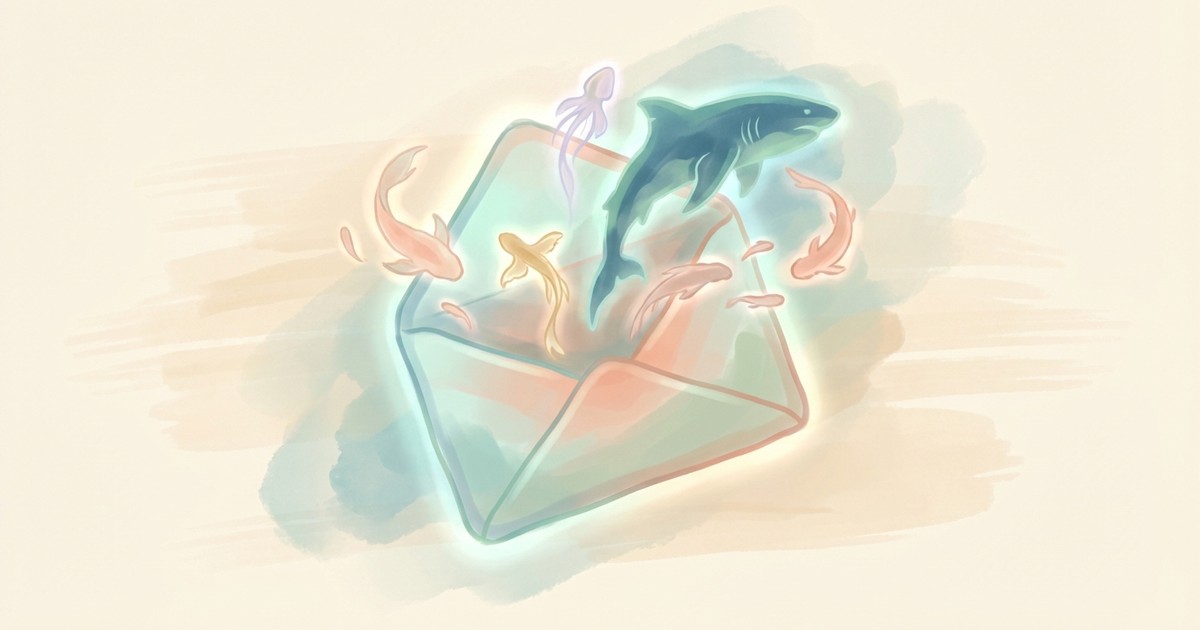
Your inbox is a living ecosystem. This skill reveals the wildlife within.

Watch as your boss transforms into an apex predator, those "just following up" emails become circling scavengers, and your friend's rare messages emerge as endangered species. Get an Attenborough-style narration of your digital habitat, complete with ecosystem health score and conservation recommendations.

Then bring it to life: generate a beautiful illustrated infographic of your inbox ecosystem in your choice of biome—African savanna, ocean reef, or twilight forest. Perfect for sharing, comparing with colleagues ("my inbox is definitely more chaotic than yours"), or just appreciating the absurd beauty of modern correspondence.


**Limitations:** Read-only—cannot modify emails. Analysis quality depends on email volume (need 50+ for interesting results). Image generation requires Gemini API.


## Skills

This skill depends on the following skills. Use these if needed.

**Gmail Search**
When: Fetching and analyzing inbox emails
Follow the instructions in: `skills/sauna/email.inbox.ecosystem/references/skills/gmail.inbox.search/SKILL.md`

**AI Image Studio**
When: Generating ecosystem infographic illustrations
Follow the instructions in: `skills/sauna/email.inbox.ecosystem/references/skills/media.image.generator/SKILL.md`


## Tasks

These are tasks you can execute. Read the task file to get your instructions:

**Analyze Inbox Ecosystem**
When: User wants to analyze their inbox ecosystem, see species breakdown, or get narration
Follow the instructions in: `skills/sauna/email.inbox.ecosystem/references/recipes/email.ecosystem.analyze.md`

**Generate Ecosystem Infographic**
When: User wants to generate an illustrated infographic of their ecosystem
Follow the instructions in: `skills/sauna/email.inbox.ecosystem/references/recipes/email.ecosystem.visualize.md`


## State

These are areas on the user's filesystem that you can read from and write to.

**Generated Images**
When: Check category: inbox-ecosystem for previous portraits
Use this directory: `documents/media/images/[category]/**/*`
Usage Guide: All AI-generated images organized by category.
Category naming: lowercase-hyphenated (e.g., hr-visuals, diagrams, storyboards). Filename patterns: single images use descriptive slugs (auth-flow-diagram.png); multi-file projects nest with semantic names (my-comic/panel-1.png).
Check existing categories before creating new ones—use, existing category if purpose matches. PNG preferred; other formats allowed for specific use cases. Keep recent files unless task specifies otherwise.