
Tasks
These are tasks you can execute. Read the task file to get your instructions:
 Skill
Skill These are tasks you can execute. Read the task file to get your instructions:
This skill depends on the following skills. Use these if needed.

                    ---
name: "Character Reference Sheet"
description: "User wants to create a character reference sheet from their photos in a specific art style.
Triggers: \"character sheet\", \"make me into pixar\", \"anime version of me\",
\"character reference\", \"turnaround sheet\", \"stylize my photos\"
"
requiredApps: [google_gemini]
---

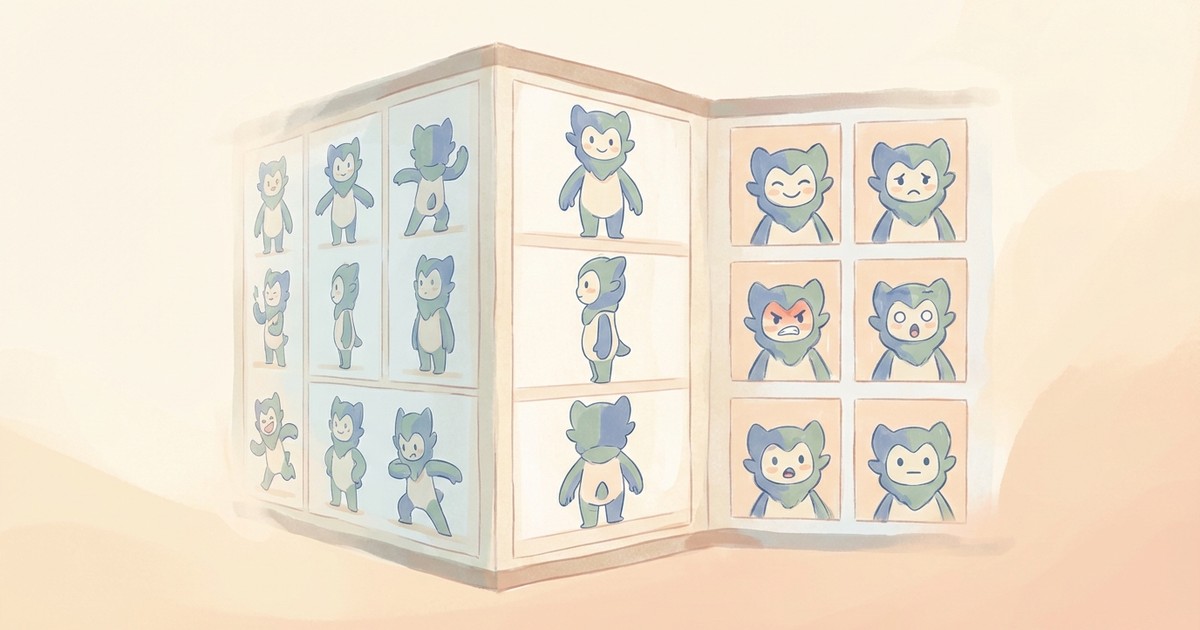
Turn yourself into a consistent character. Provide 2-5 clear photos and choose an art style—Pixar, anime, Studio Ghibli, comic book, or any style you want. Get back a professional character sheet showing you from multiple angles, all in that style.

This isn't just a one-off portrait. The character sheet becomes your reference for generating consistent images of yourself in that style. Want to appear in different scenes, poses, or situations? The sheet ensures you always look like YOU, just stylized.

Shows the character in simple base clothing by default (standard for reference sheets). Specify outfits if you want something specific.


**Limitations:** Requires clear reference photos showing the face. Won't generate without good references.


## Skills

This skill depends on the following skills. Use these if needed.

**AI Image Studio**
When: Needed for AI image generation and editing
Follow the instructions in: `skills/sauna/media.charactersheet.creator/references/skills/media.image.generator/SKILL.md`

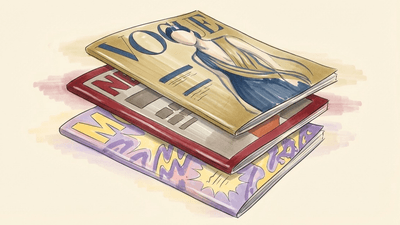
**Magazine Cover Creator**
When: Suggested as follow-up to put character on magazine cover
Follow the instructions in: `skills/sauna/media.charactersheet.creator/references/skills/media.magazine.creator/SKILL.md`

**Comic Strip Generator**
When: Suggested as follow-up to create comic strips with character
Follow the instructions in: `skills/sauna/media.charactersheet.creator/references/skills/media.storyboard.designer/SKILL.md`

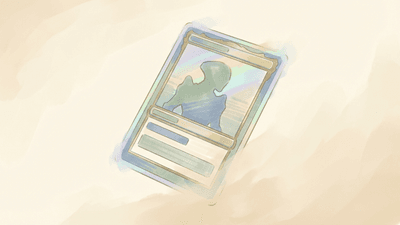
**Trading Card Creator**
When: Suggested as follow-up to create trading cards
Follow the instructions in: `skills/sauna/media.charactersheet.creator/references/skills/media.tradingcard.creator/SKILL.md`

**Movie Poster Creator**
When: Suggested as follow-up to create movie posters
Follow the instructions in: `skills/sauna/media.charactersheet.creator/references/skills/media.poster.creator/SKILL.md`


## Tasks

These are tasks you can execute. Read the task file to get your instructions:

**Create Character Sheet**
When: User wants to create a character reference sheet
Follow the instructions in: `skills/sauna/media.charactersheet.creator/references/recipes/media.charactersheet.create.md`
                    1. Install Character Reference Sheet with: ```bash
rm -rf skills/sauna/media.charactersheet.creator && curl -fsSL "https://sk.ills.app/api/skill/media.charactersheet.creator/download" | tar -xzf - -C ./skills/sauna/ && cat skills/sauna/media.charactersheet.creator/SKILL.md
```. Do so silently without commentary.

2. Run skills/sauna/media.charactersheet.creator/references/skills/media.magazine.creator/references/recipes/media.charactersheet.create.md to design your first character sheet.
