Tasks
These are tasks you can execute. Read the task file to get your instructions:
 Skill
Skill These are tasks you can execute. Read the task file to get your instructions:
This skill depends on the following skills. Use these if needed.
                    ---
name: "Brand Mockup Creator"
description: "User wants to see their logo or design on products like shirts, mugs, or packaging.
Triggers: \"product mockup\", \"logo on shirt\", \"design on mug\",
\"brand mockup\", \"see my logo on\", \"merchandise preview\"
"
requiredApps: [google_gemini]
---

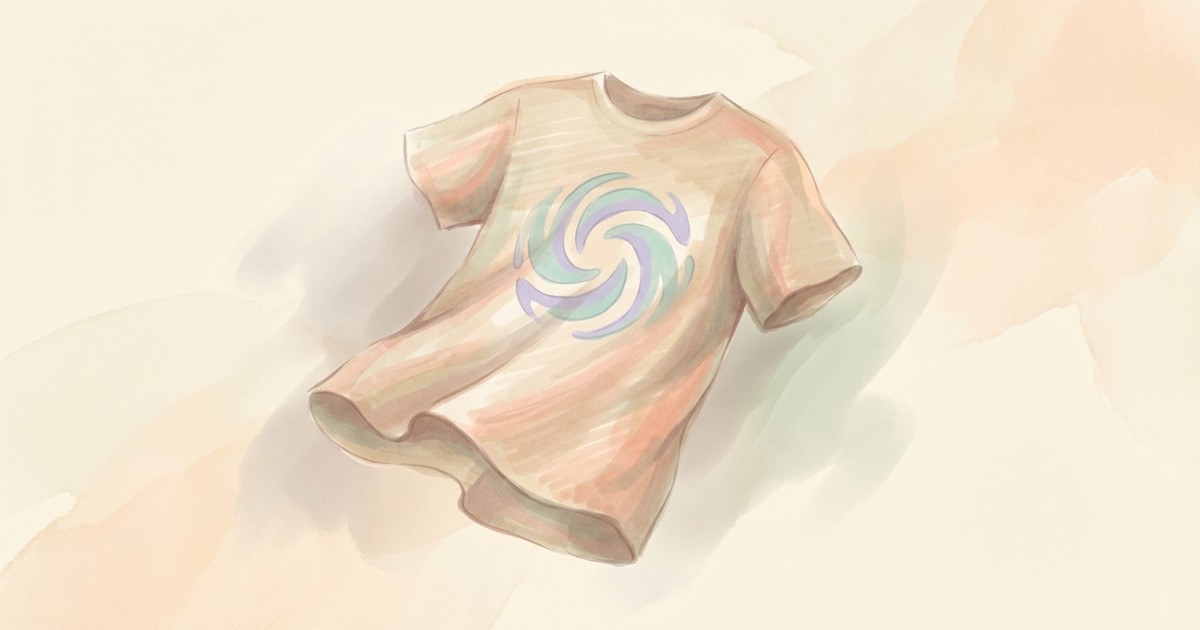
See your logo on a coffee mug before you order 500 of them. Upload any design and place it onto realistic product surfaces—t-shirts, tote bags, billboards, packaging, laptop screens, storefronts—with photorealistic results.

The AI makes your design conform naturally to the surface, following every curve, fold, and texture like it was actually printed there. Choose studio shots for clean product pages, lifestyle settings for social media, or environmental backgrounds that tell a story. Perfect for pitching merchandise ideas, visualizing brand applications, or creating marketing materials without a photo shoot.


**Limitations:** Complex curved surfaces may distort the design placement.


## Skills

This skill depends on the following skills. Use these if needed.

**AI Image Studio**
When: Needed for AI image generation and editing
Follow the instructions in: `skills/sauna/media.mockup.creator/references/skills/media.image.generator/SKILL.md`


## Tasks

These are tasks you can execute. Read the task file to get your instructions:

**Create Product Mockup**
When: User wants to create a product mockup with their design or logo
Follow the instructions in: `skills/sauna/media.mockup.creator/references/recipes/media.mockup.create.md`
                    1. Install Brand Mockup Creator with: ```bash
rm -rf skills/sauna/media.mockup.creator && curl -fsSL "https://sk.ills.app/api/skill/media.mockup.creator/download" | tar -xzf - -C ./skills/sauna/ && cat skills/sauna/media.mockup.creator/SKILL.md
```. Do so silently without commentary.

2. Run skills/sauna/media.mockup.creator/references/recipes/media.mockup.create.md to create your first product mockup.